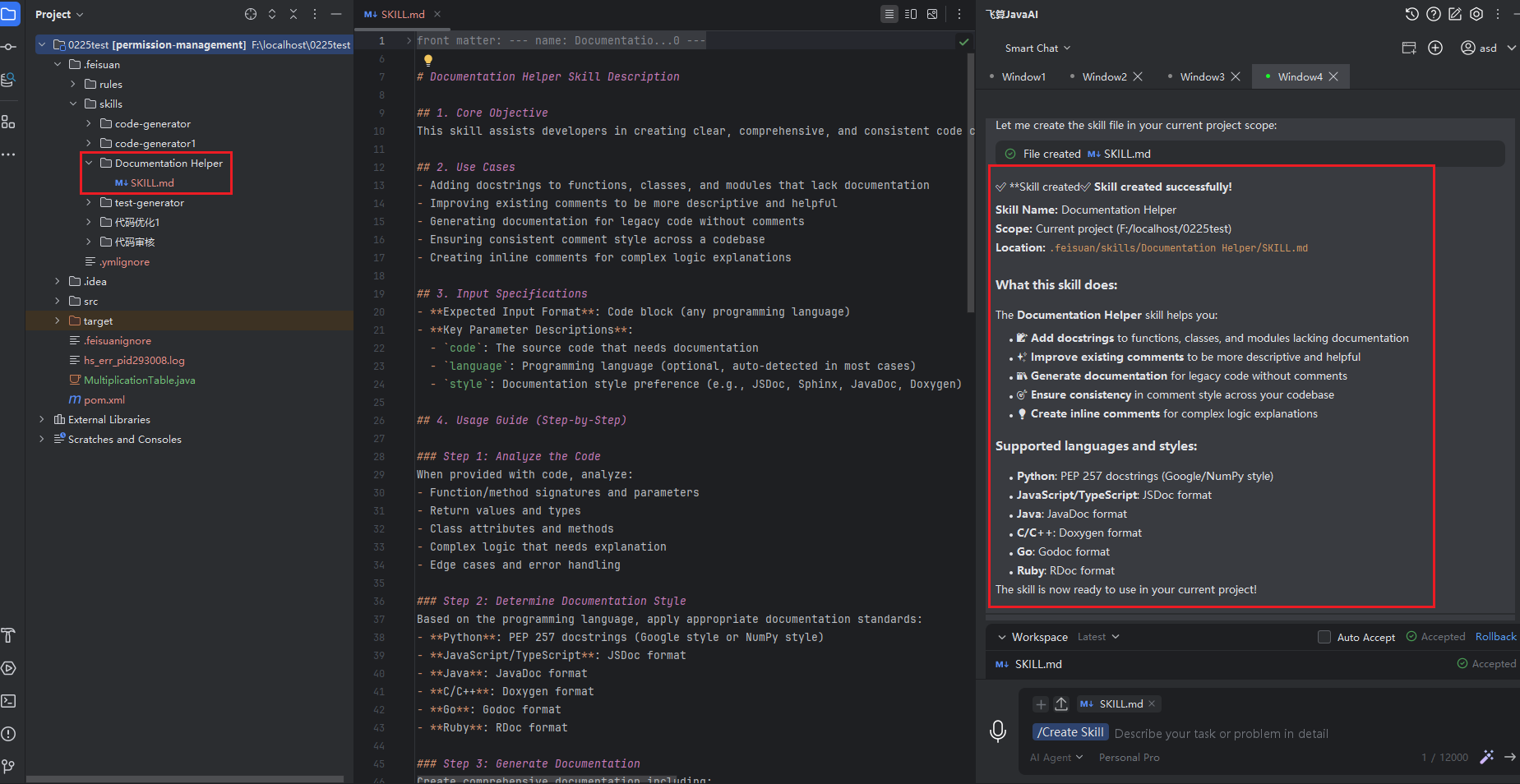
Create skill
Create via Instructional Q&A
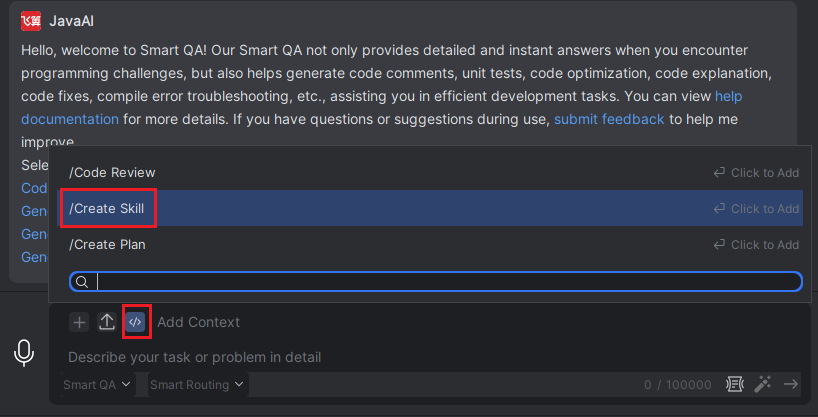
- Type "/" in the input box, then select "/Create Skill". In the description, type "Help me create a skill", or directly describe the skill you want to create.

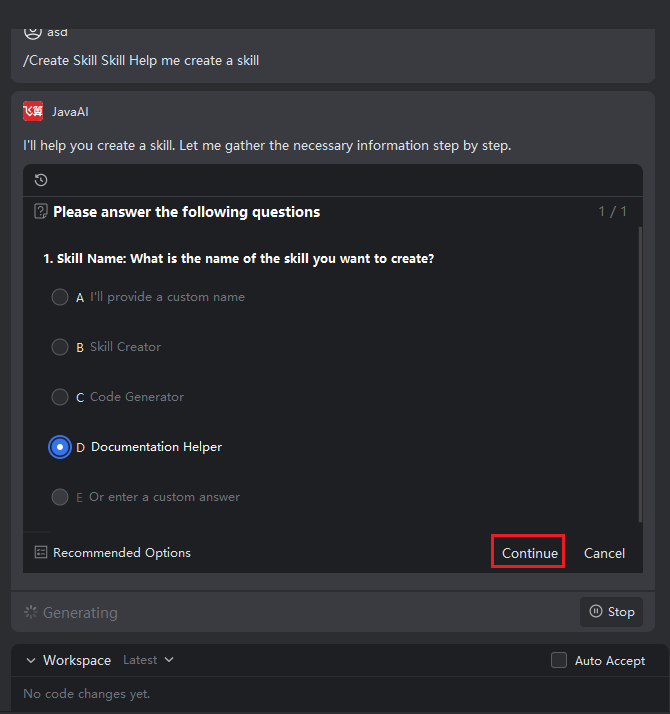
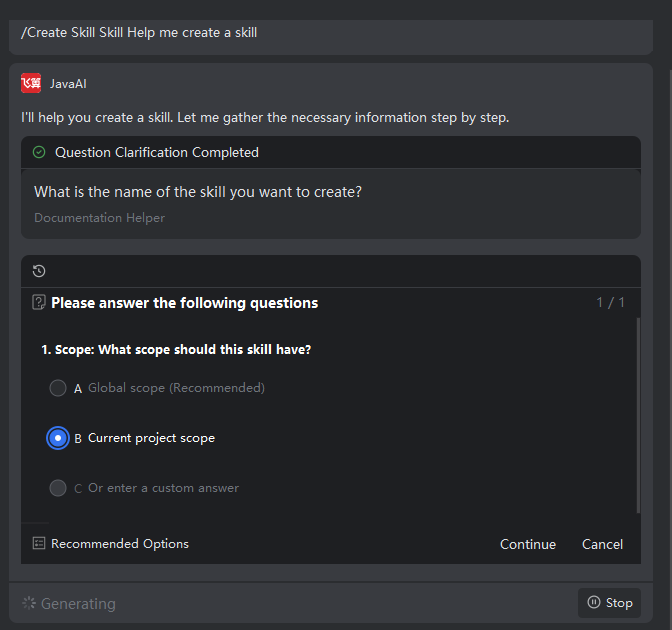
- Then, answer the questions one by one by selecting the option that best fits your needs. If none of the provided answers match, enter your own custom content in the last option and select it. Continue until the process is complete.
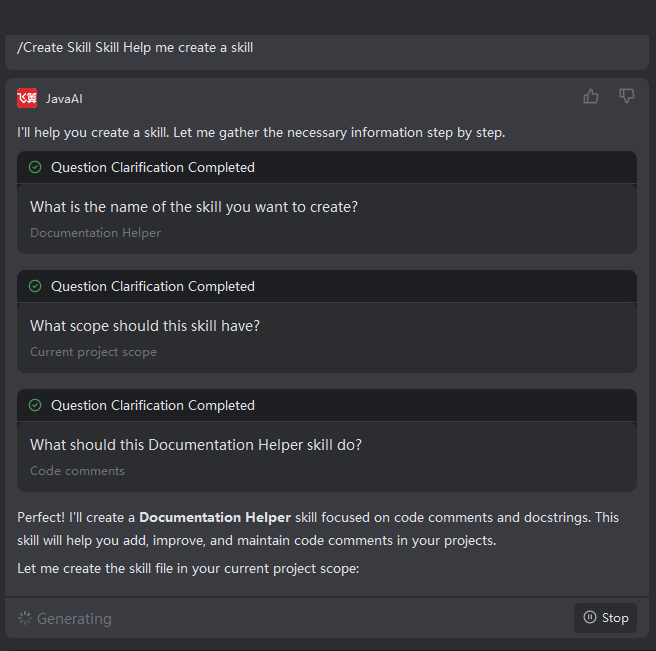
- Once the Q&A is finished, the model will create the skill based on the collected requirements. After the skill is created, you can view and modify the SKILL file.
Note: If the selected skill scope is "Project", the skill will be stored in the .feisuan/skills folder in the project's root directory. If it is "Global", the skill file will be stored in the User Disk/User Directory/.feisuan/skills path.