Apply Code
Introduction
When using the smart Q&A feature, the code generated by the model can be applied directly to your project. You can review the differences in the editor and choose to accept the changes as needed.
Apply Code
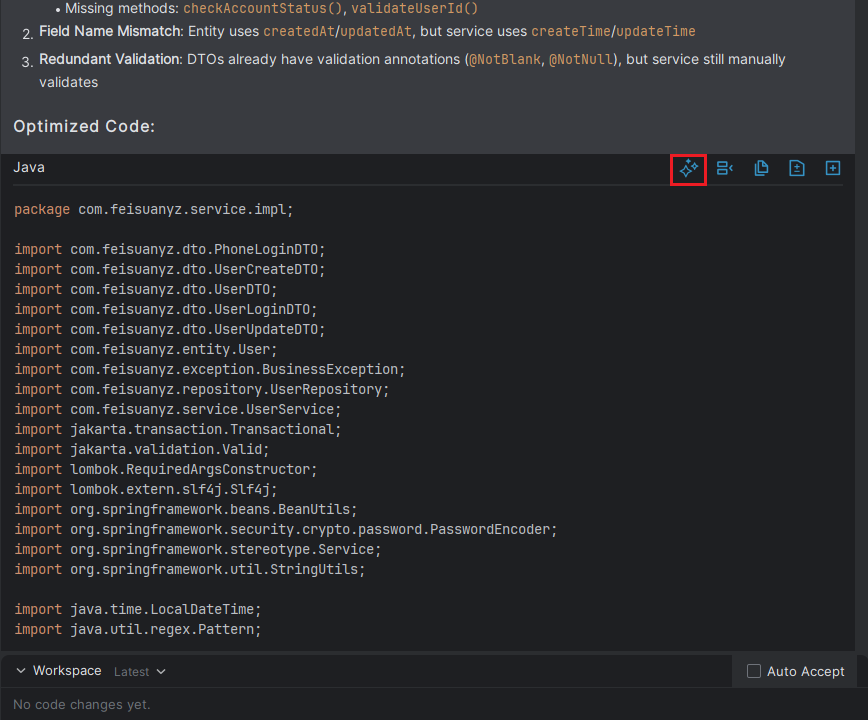
- In the smart Q&A interface, locate the area where the code is generated and click the "Apply" button.
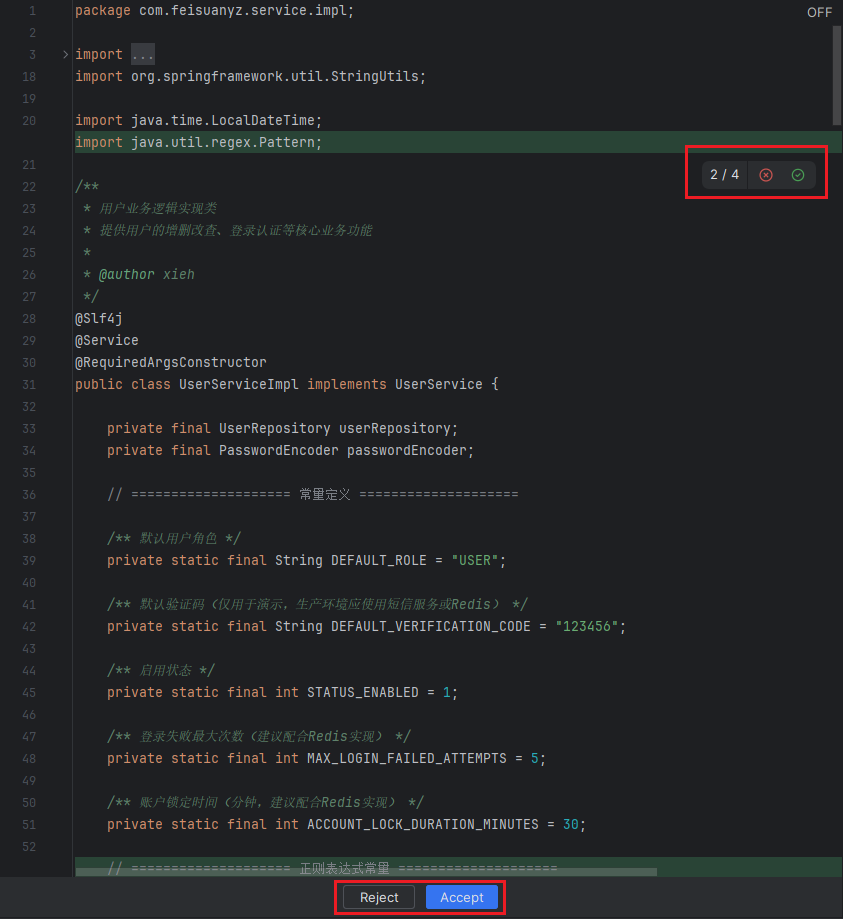
- In the code editor, review the modified code and accept the changes as needed. To partially accept the changes, click the "√" next to the specific code. To accept all changes, click the "Accept" button below. The same applies if you want to reject the changes.