Setting up Gradle Environment
Introduction
After generating Gradle project source code through natural language, you must complete the Gradle environment configuration in advance to start the project properly.
Download Installation Package
- Visit the official website https://gradle.org/releases/, select the corresponding version, then download the binary file as shown in the image.

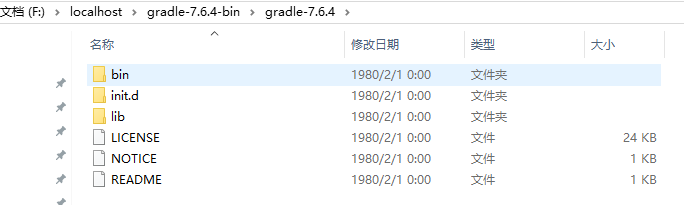
- Extract the folder to the specified directory.
Configure Environment Variables
- Configure environment variables, in path, append the directory where Gradle is extracted.

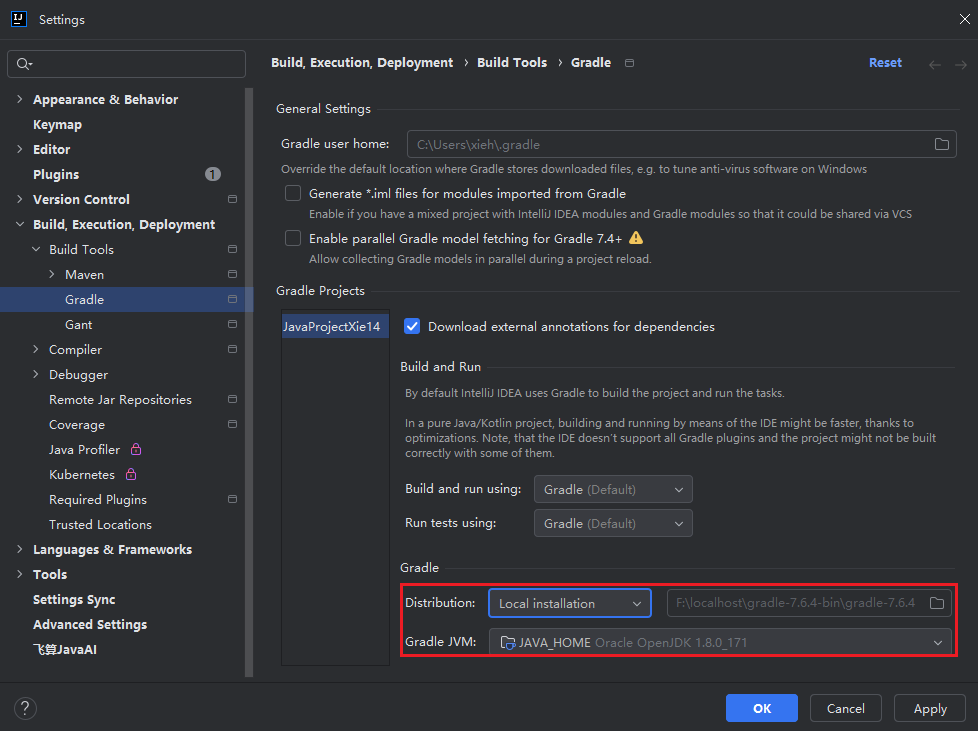
Set Up Gradle in IDEA
- Open "File > Setting > Build > Gradle"