Clear Context
Introduction
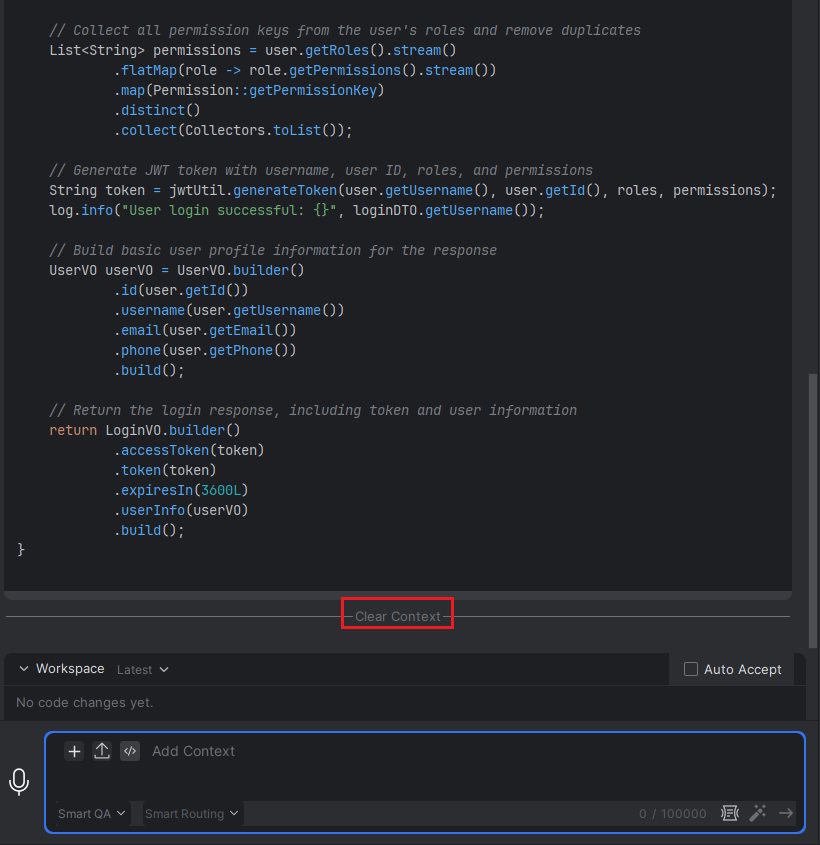
In an intelligent conversation, a long sequence of interactions can result in an excessively large context, which may affect performance or relevance. If you wish to start fresh—disassociating your next question from all prior conversation history—you can use the "Clear Context" command. After clearing, any new request will be processed independently, without reference to previous exchanges.
How to Clear Context
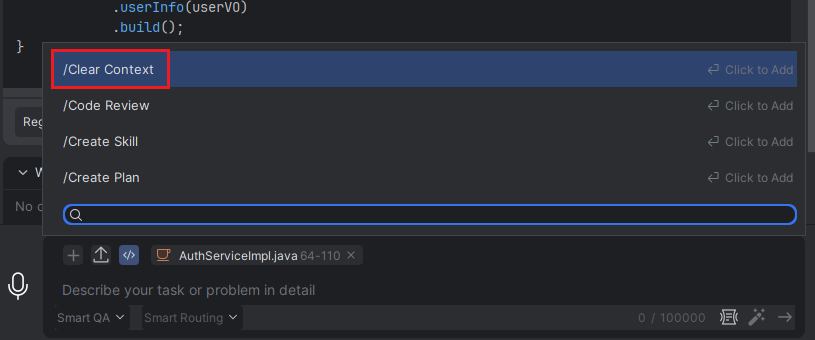
- When there is context, hover over "Add Command", and then select "Clear Context".