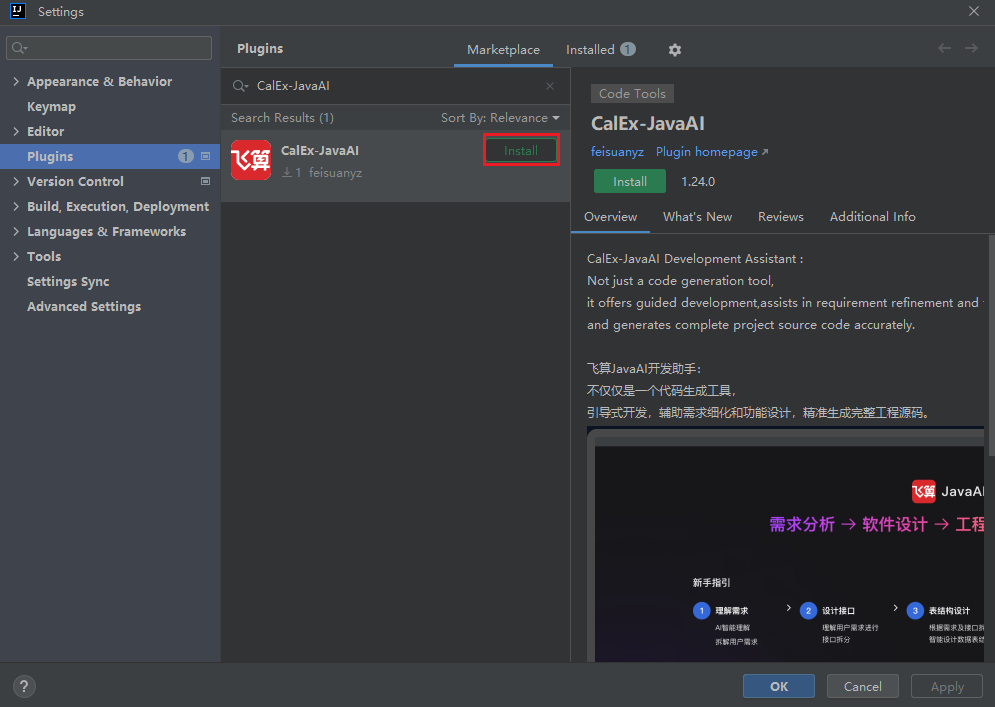
Online Plugin Installation
Introduction
You can directly search for relevant keywords "CalEx-JavaAI" or "飞算" in the plugin market of the IDEA tool, then proceed with installation. This method is simple and fast, helping you quickly find and install the required plugin.
Online Installation
- Click upper left corner "File > Settings > Plugins > Marketplace", search for relevant keywords "CalEx-JavaAI" or "飞算", then select "CalEx-JavaAI" to install. After installation is complete, you will see the installed plugin in the upper right corner.