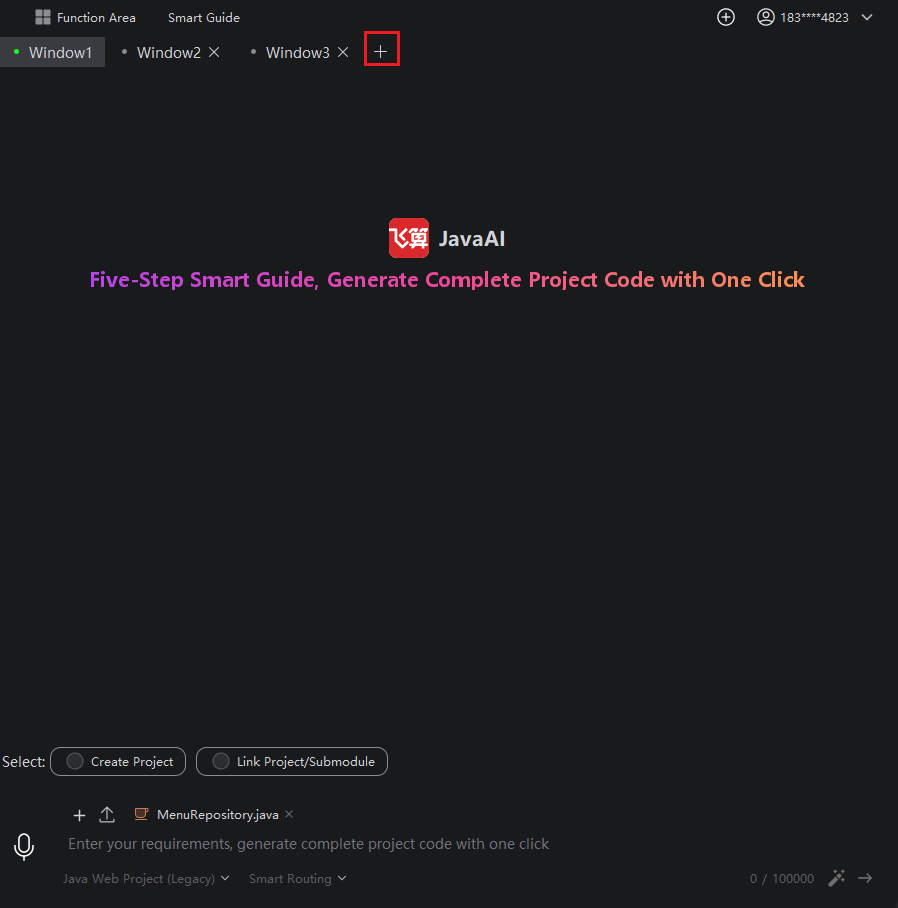
Add Window
Introduction
When you need to generate source code for multiple projects simultaneously, you can add multiple windows to work on them concurrently. This also allows for quick switching between windows to monitor the progress of different tasks.
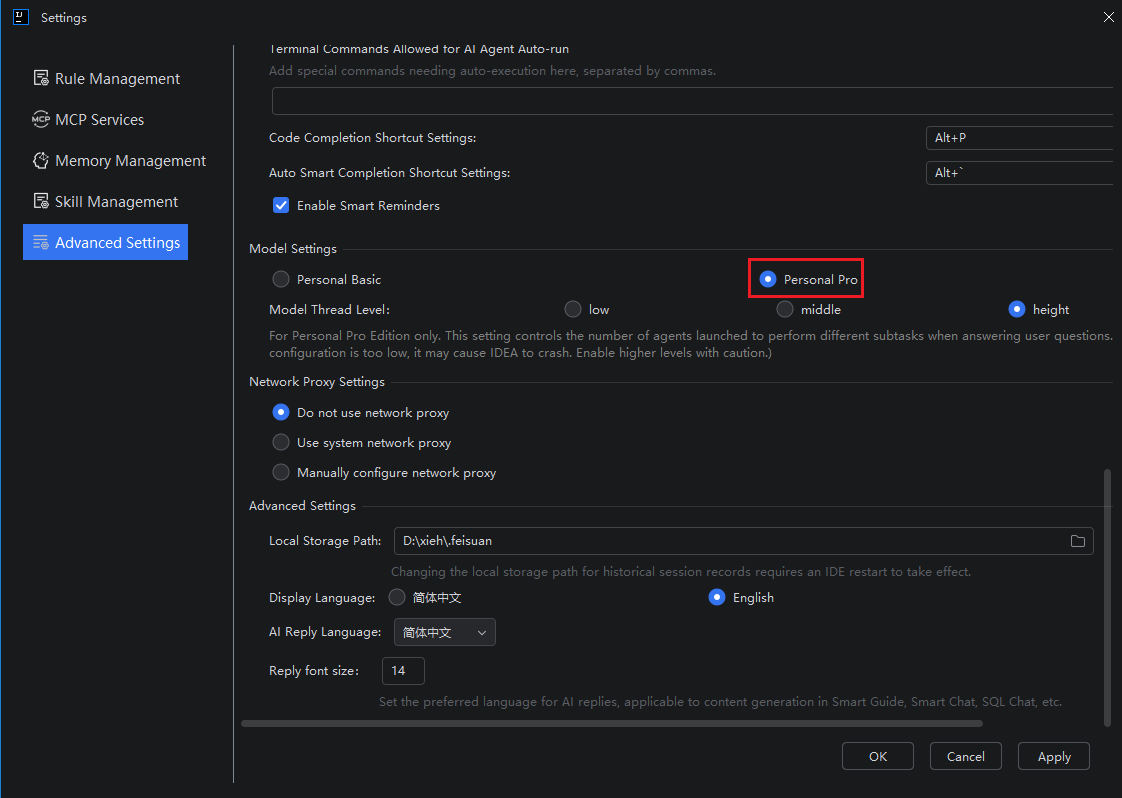
Please note: Adding a window is only available when the model is set to "Personal Pro". To switch models, please do so in Advanced Settings.
How to Add a Window
- Select "Personal Pro" in Advanced Settings
- Then return to the page, click "Add Window", and complete the new source code task in the new window.