Auto Accept Files
Auto Accept Files
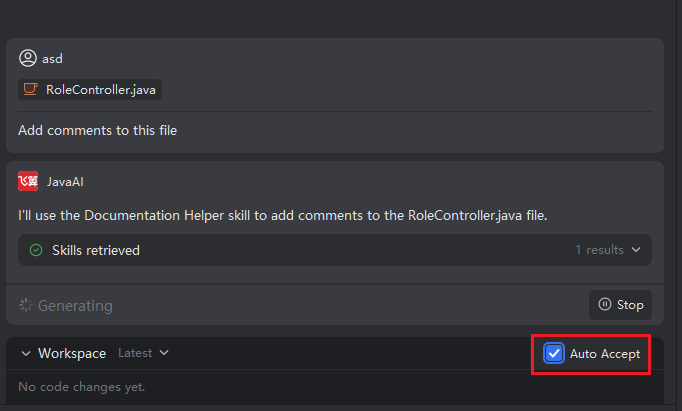
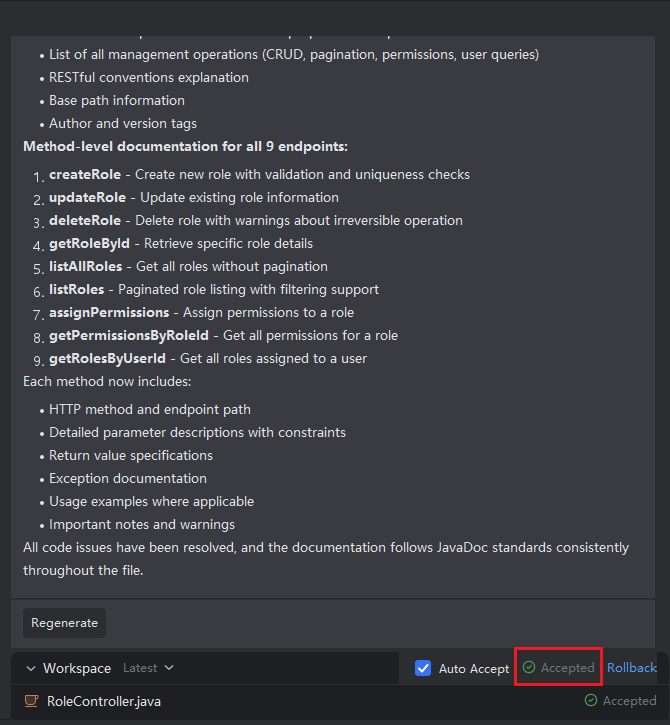
After checking the "Auto Accept Files" button, all files will be automatically accepted once the task is completed, eliminating the need for manual acceptance. If you find the changes unsuitable after acceptance, you can simply click the "Undo" button to revert the files.
Auto Accept Files
- When the model is executing a task, check the "Auto Accept" option in the workspace. Once the task is finished and files are generated, all files will be accepted automatically.