One-Click Fixer
Introduction
One-click to obtain the project compilation error information, then perform fixes.
One-Click Fixer
- Click the "top-left corner" to switch and select "AI Toolbox".
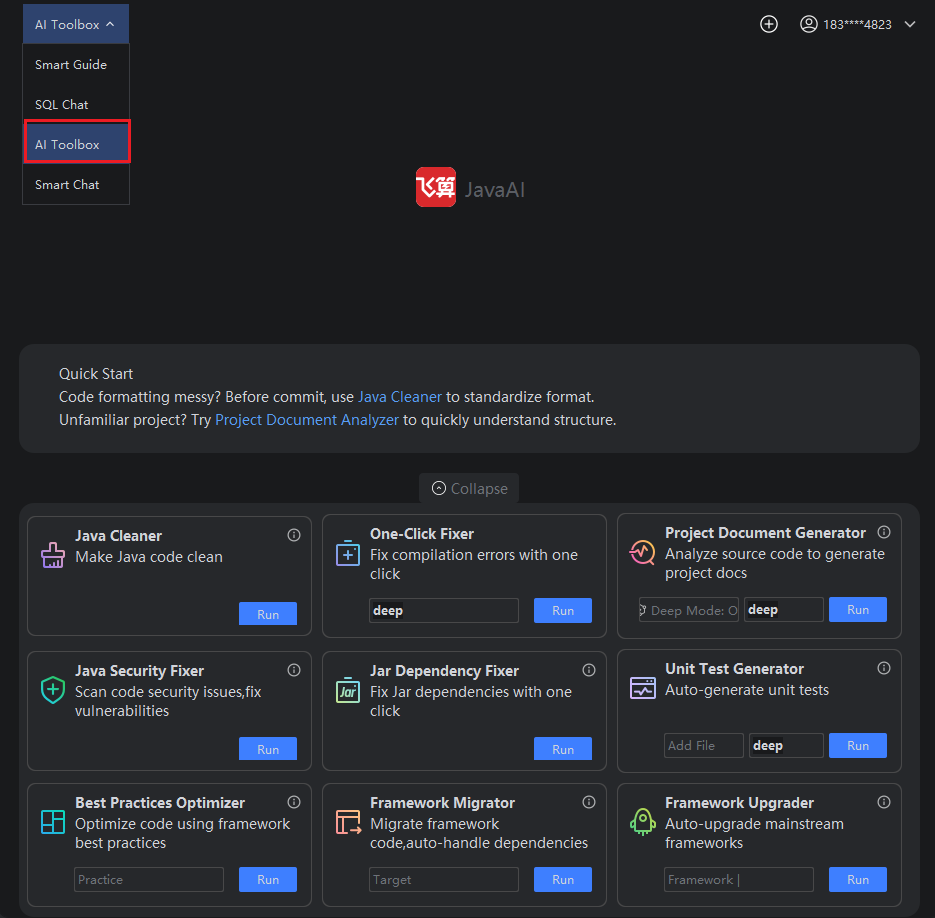
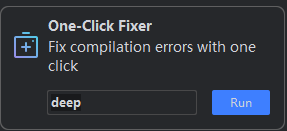
- Click the "Run" button in the One-Click Fixer.
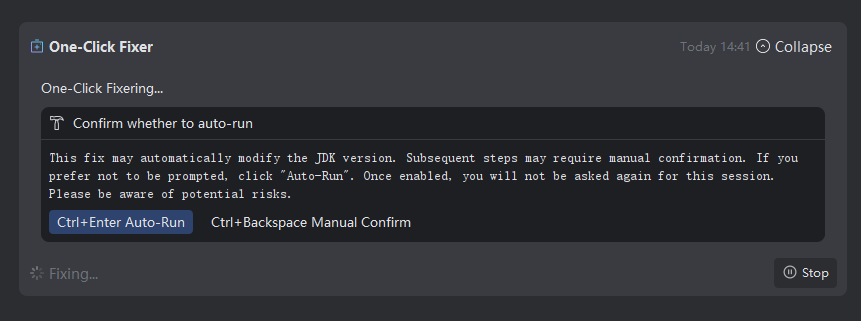
- Confirm whether to enable automatic execution and make your selection based on your needs.
Note: This fix may automatically modify the JDK version. Subsequent fix processes may require manual confirmation. If manual confirmation is not required, you can click "Auto-Run" to enable automatic execution. Once enabled, the system will no longer prompt for confirmation during this session. Please be aware that you assume any potential risks associated with this action.
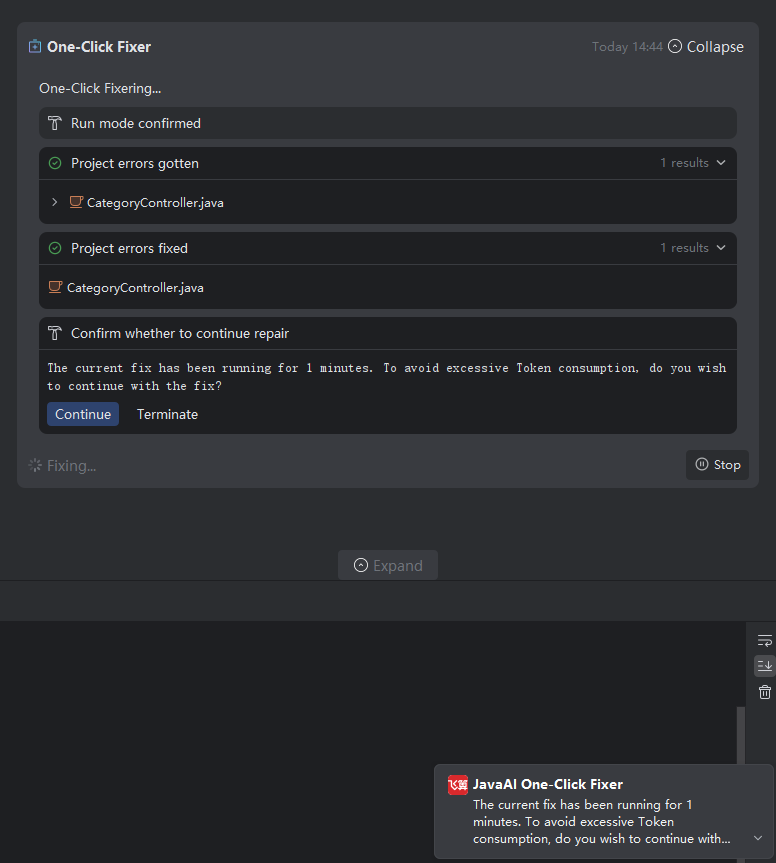
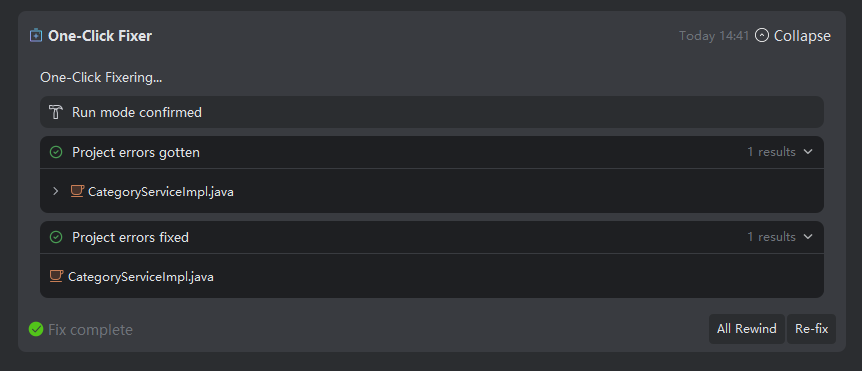
- The system will execute the compilation, retrieve compilation error messages, and automatically apply fixes. Once all issues are successfully resolved, the system will recompile. If no error messages are present, the corrected content will be automatically added to the corresponding files. You can then click on the repaired error item to expand the list and view the fixed files.
Note: If the repaired code does not meet your requirements, you can click the "All Rewind" button to restore the code to its pre-fix state.
- If the repair process takes a long time, a prompt will appear allowing you to choose whether to continue.