Using Skills
Introduction
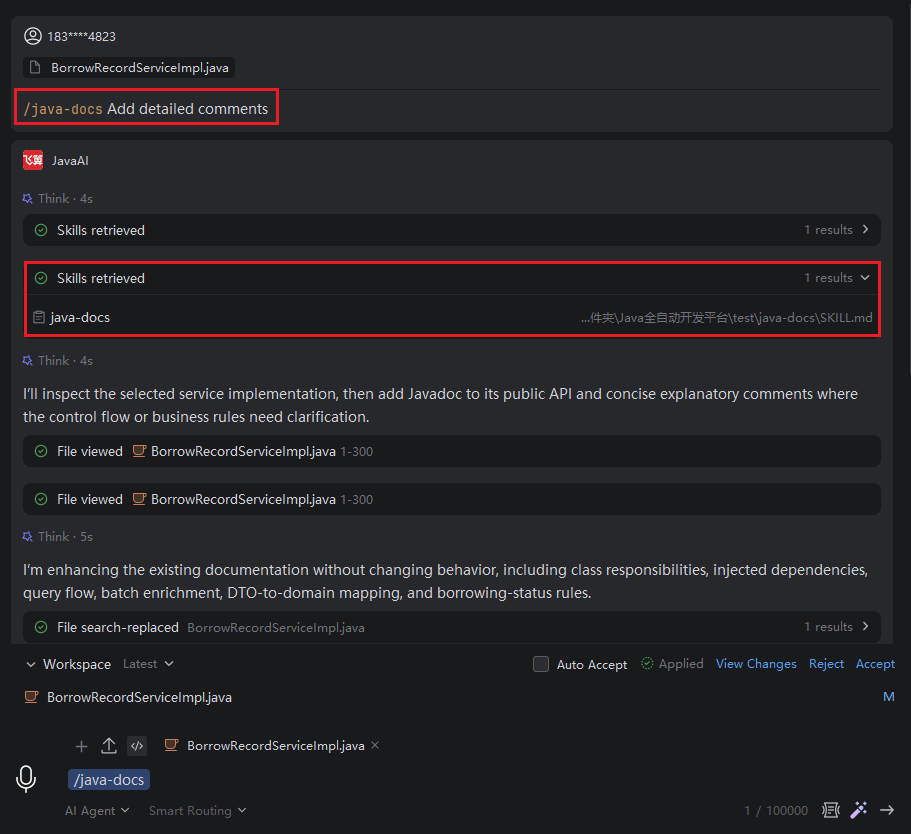
You can select the appropriate skills in "Add Instruction" to assist you in completing development tasks, making the development process more efficient and convenient.
Using Skills
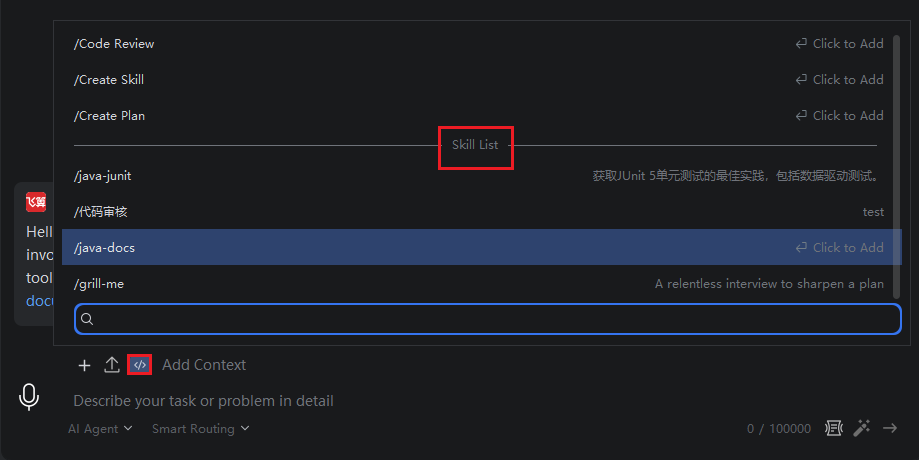
- Click the "Add Instruction" button, and then select the corresponding skill from the skill list.
Note: The skill list only displays project or global skills that have been enabled in "Skill Management". Additionally, if you have checked the option to enable skills in the .agents directory in the Skill Management settings, or configured both the project relative path and the global absolute path, the relevant skills will also be loaded into the selectable list.
- Enter your task requirements in the input box, and the model will use the skill to assist in completing the task. If multiple skills are selected, the model will autonomously decide which skill to use.