Add Other Skill Directories
Introduction
By default, the system only recognizes skills located in the .feisuan/skills and .agents/skills directories. If your other skills are stored in external directories, you can add these directories to manage them, allowing the model to load and use these skills in subsequent tasks.
Project Scope Paths
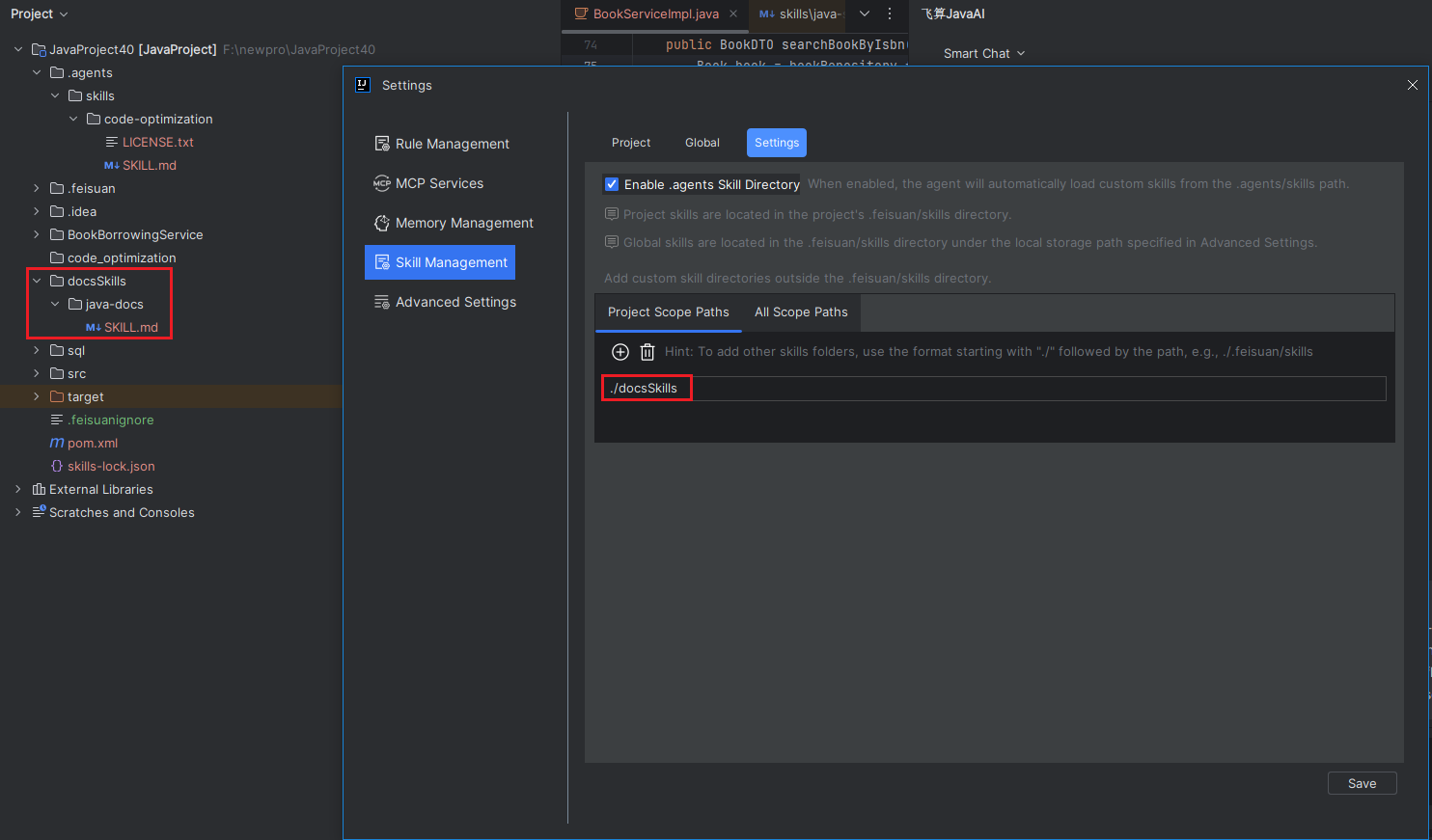
If your other skills are stored in a different directory within the "current project", you can specify the corresponding Scope path in "Project Scope Path". The path must start with "./" followed by the specific folder name.
- In Advanced Settings, select "Skill Management > Settings", then choose "Project Scope Path". Enter the path according to the required format, and click "Save".
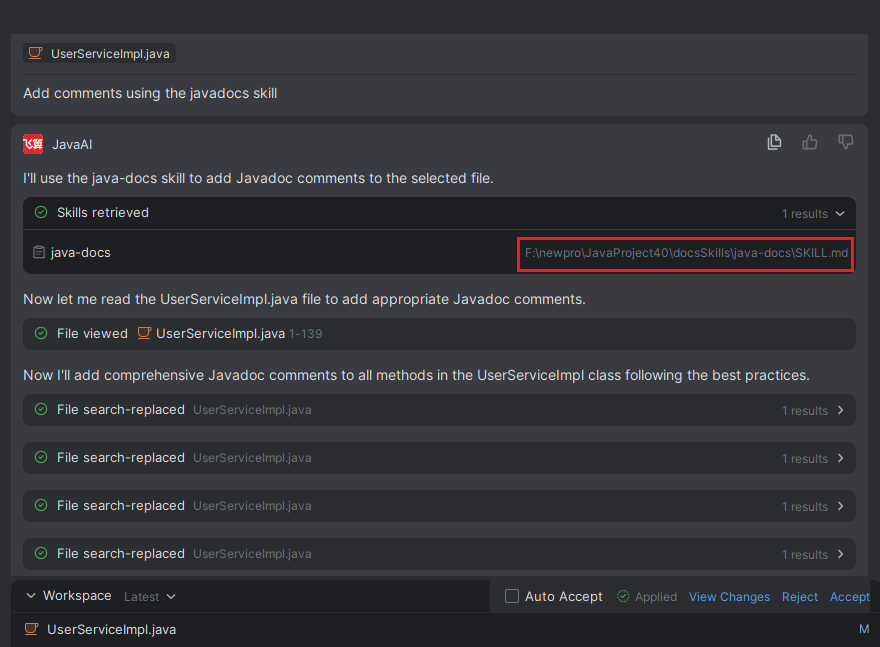
- When using skills in the agent, it will load and use the skills from the specified folders. You can verify this through the file path. If they are not being used, please check if the path is entered correctly.
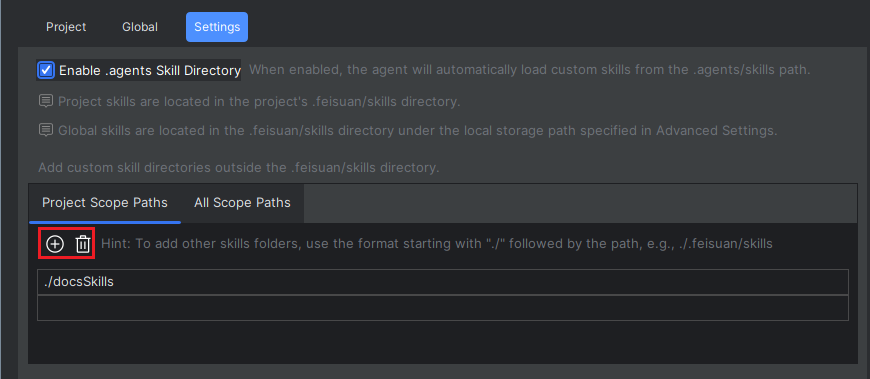
- You can click "+" to add multiple records and fill in the paths accordingly. To remove an entry, select the corresponding skill and click "Delete".
All Scope Paths
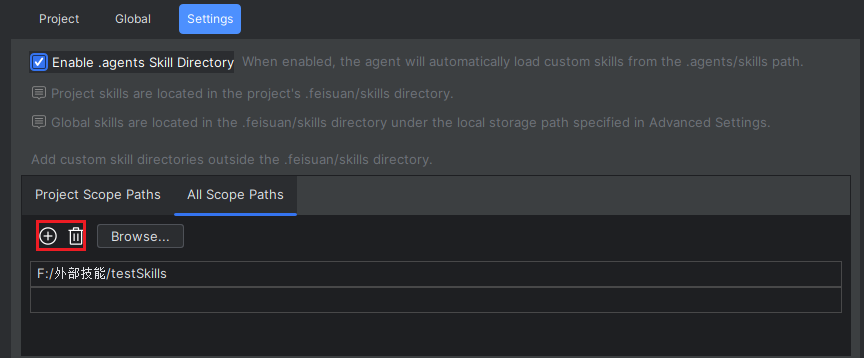
If your other skills are stored on a different disk rather than in the "current project", you can set a "All Scope Paths" by directly selecting the target skills directory.
- In Advanced Settings, select "Skill Management > Settings", then choose "All Scope Paths". Check the box below, click "Browse", select the target skill directory, and click "Save".
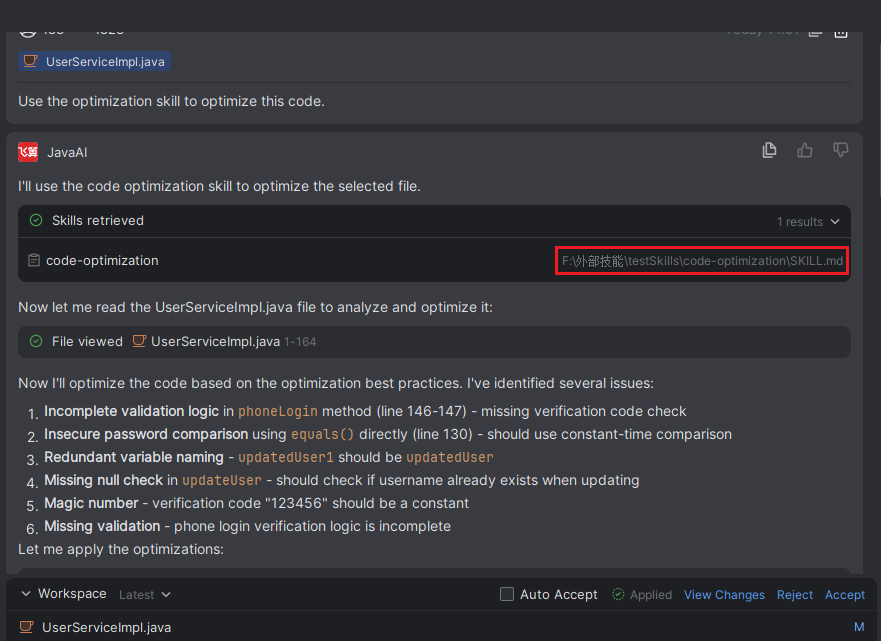
- When using skills in the agent, it will load and use the skills from the specified folders. You can verify this through the file path. If they are not being used, please check if the path is selected correctly.
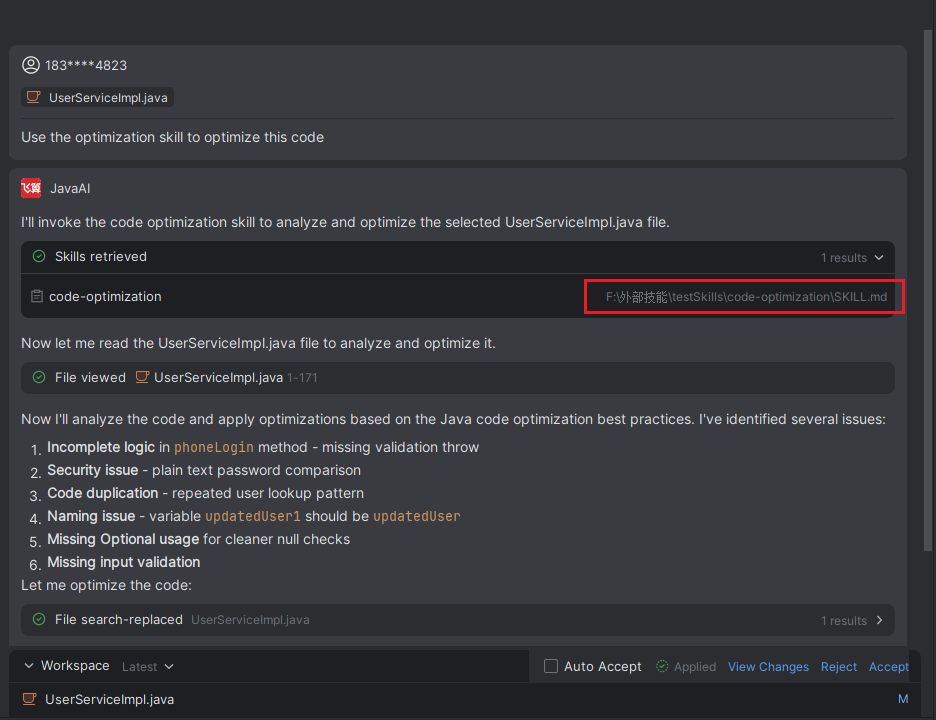
- You can click "+" to add multiple records and fill in the paths accordingly. To remove an entry, select the corresponding skill and click "Delete".