Skip to content

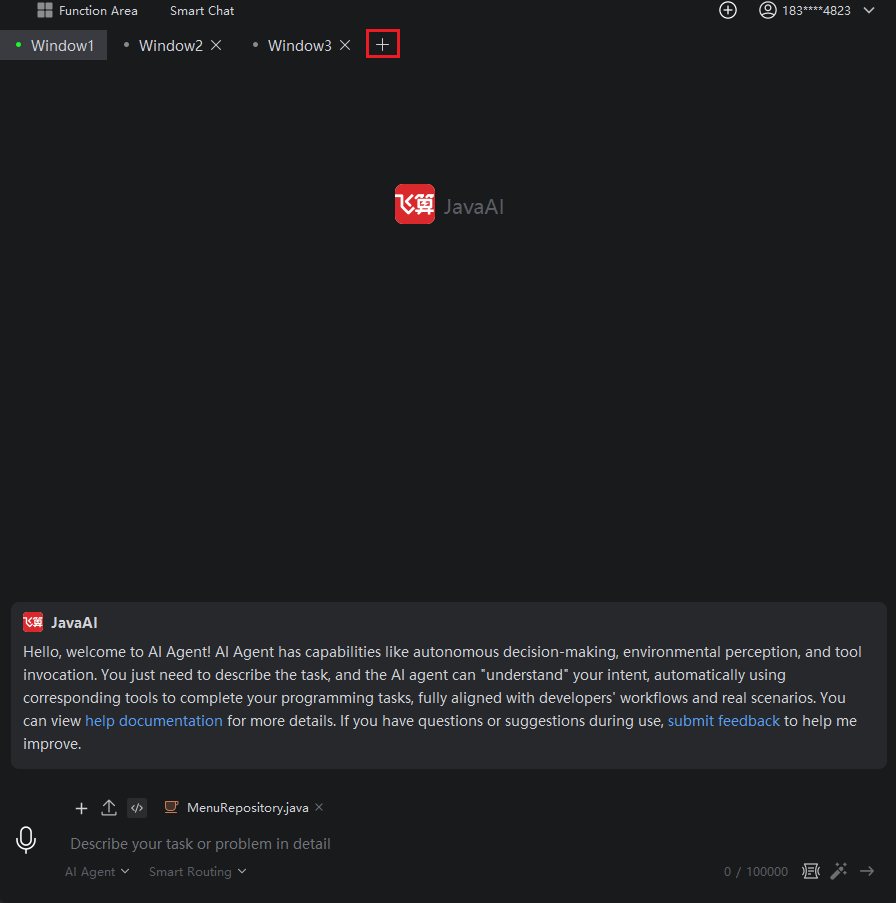
Add Window

Introduction

When you need to solve multiple problems simultaneously, you can add multiple windows to work on them concurrently. This also allows for quick switching between windows to monitor the progress of different tasks.

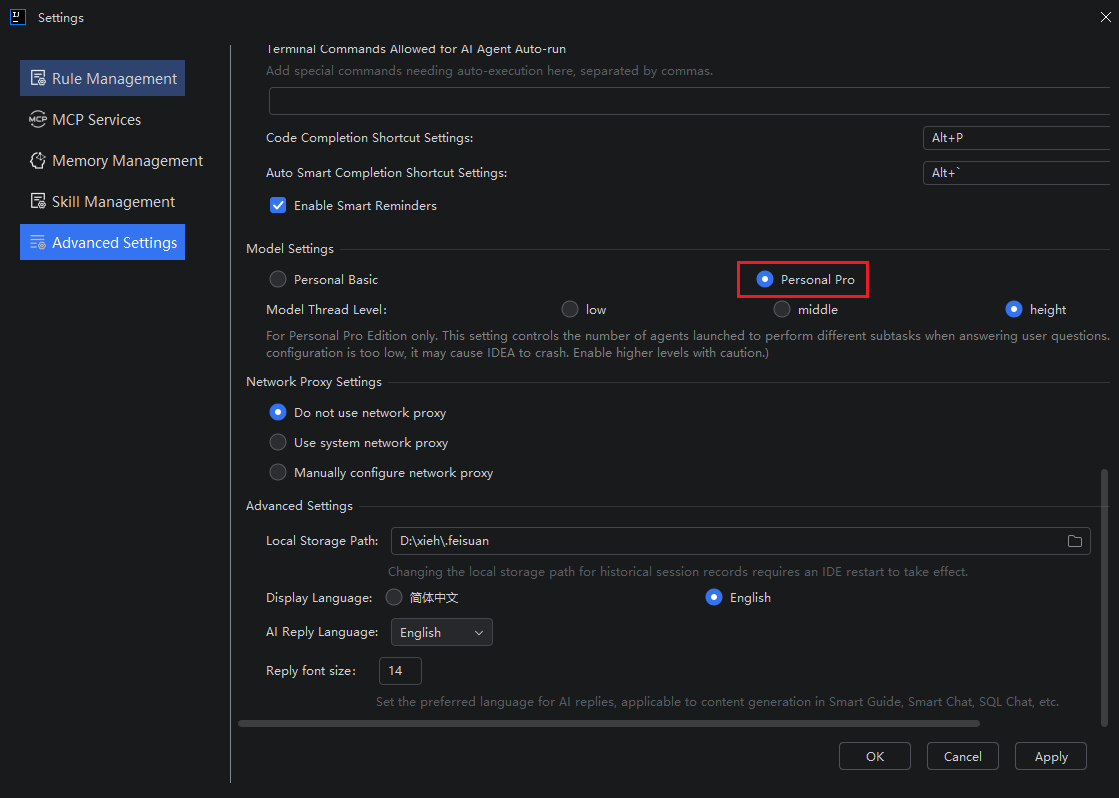
Note: The "Add Window" feature is only available when the selected model is "Personal Pro." Furthermore, any newly added windows can only use the "Personal Pro" model; switching to the "Personal Free" model in these new windows is not supported. If you need to use the free version, please switch to it in the primary window.

How to Add a Window

  1. Select "Personal Pro" in the first window, then click "Add Window."

  1. In the new window, proceed to complete your new task.
邮箱:chendw@feisuanyz.com 邮编:518000 地址:深圳市前海深港合作区前湾一路1号A栋201室