Multiple IDE Logins
Introduction
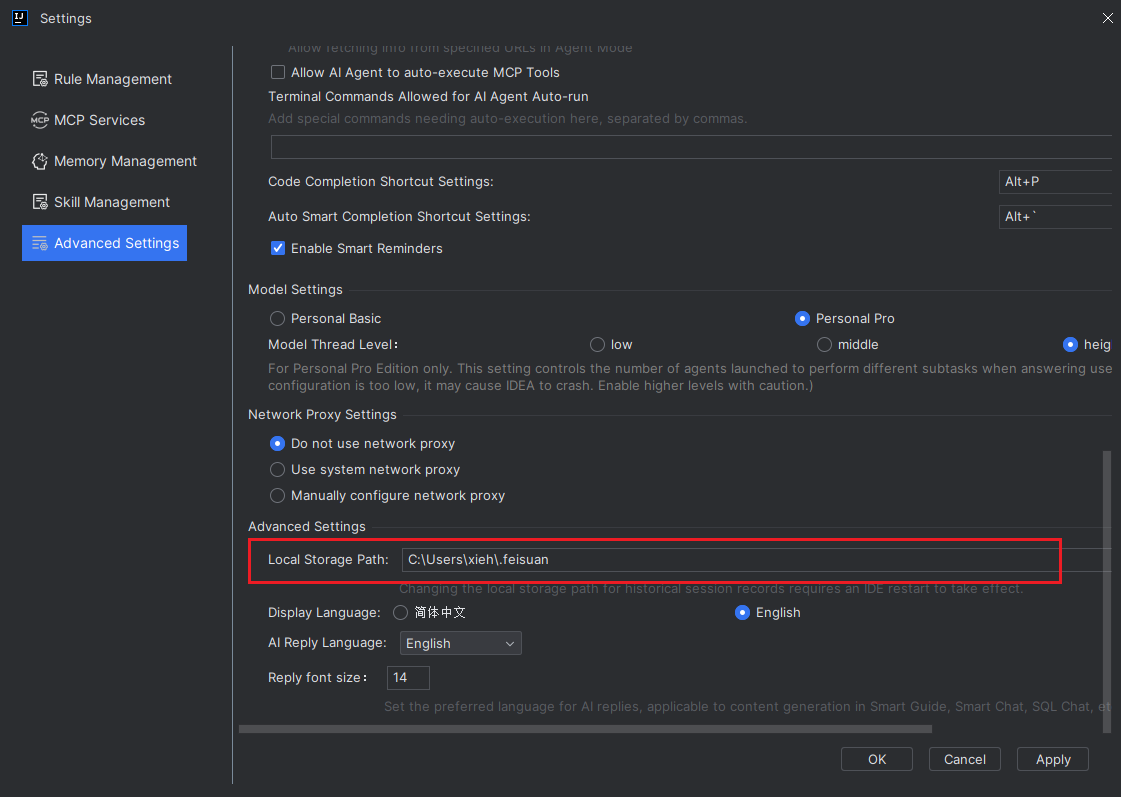
If you need to log in to multiple JetBrains IDEs (such as IntelliJ IDEA and WebStorm) simultaneously on the same computer, simply configure the local storage path of the plugin in each IDE to the same directory.
Multiple IDE Logins
- Open the plugin's "Settings > Advanced Settings", scroll to the bottom, and change the "Local Storage Path" to the same path for all of them.