Code Review
Introduction
Code review helps identify potential defects early, improve code design, and enforce consistent coding standards—thereby enhancing the correctness, readability, and maintainability of your codebase.
Performing Code Review
Method 1: Via Context Selection
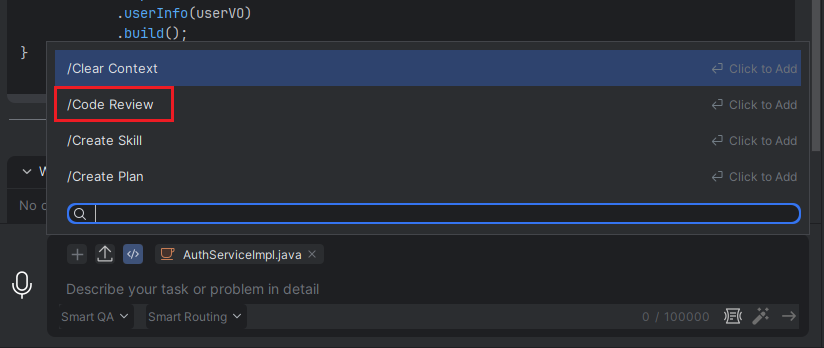
- Associate the context and select the files you want to review. Click "Add Command", or type "/" in the input box, then select "Code Review".
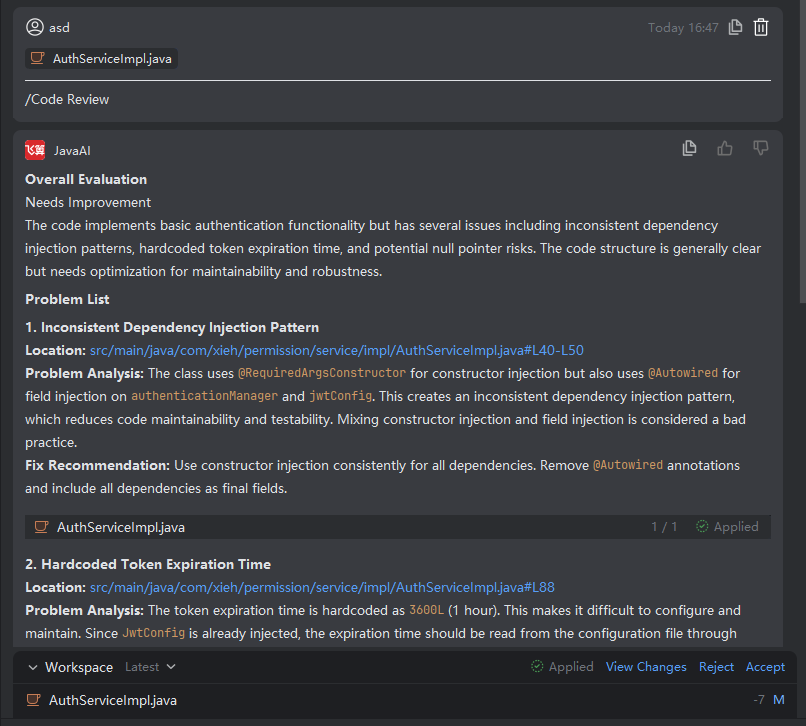
- The system will analyze the code, provide a summary of findings, and suggest improvements. You can then choose to Accept or Reject the proposed changes.
Note: The code review response is generated based on the currently selected intelligent agent mode (e.g., Java Chat). If you expect in-place modifications to the original file, ensure an appropriate agent mode (such as editing-focused) is active.
Method 2: From Code Editor
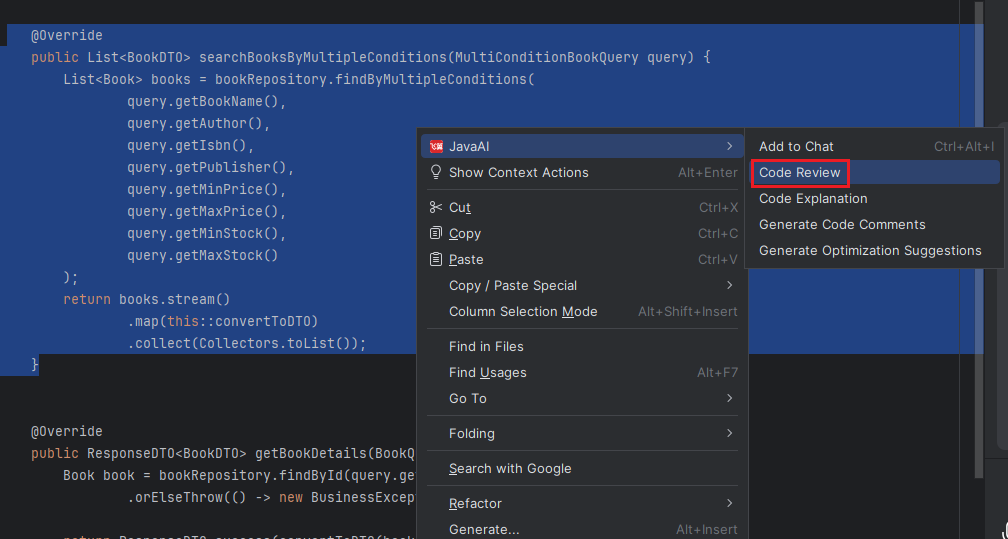
- Open the target file in the editor, right-click anywhere in the code area, and select JavaAI > Code Review.
Method 3: From Project Directory
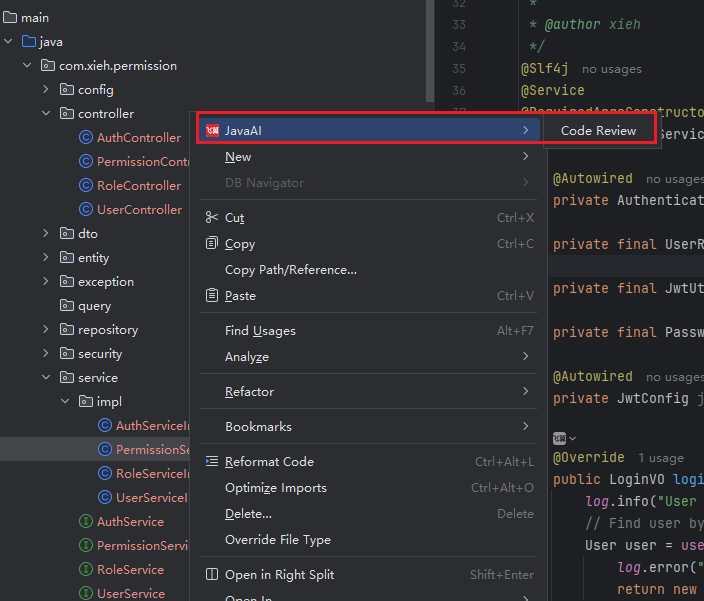
- In the project file tree, right-click on the file you want to review and choose JavaAI > Code Review.