Frontend Develop
Introduction
Based on the front-end page design documents generated during the full-stack design phase, strictly execute front-end code development and implementation to achieve high-fidelity user interfaces and interaction logic.
Frontend Develop
Front-end development relies on relevant documents produced during the Frontend Develop phase, such as workspace context, tech stack decisions, database design, API design, technical requirement coverage, and backend design specification baseline. If these documents do not exist, you must first complete the Frontend Develop before proceeding with front-end development.
- In "Add Instruction", select "/Frontend Develop".
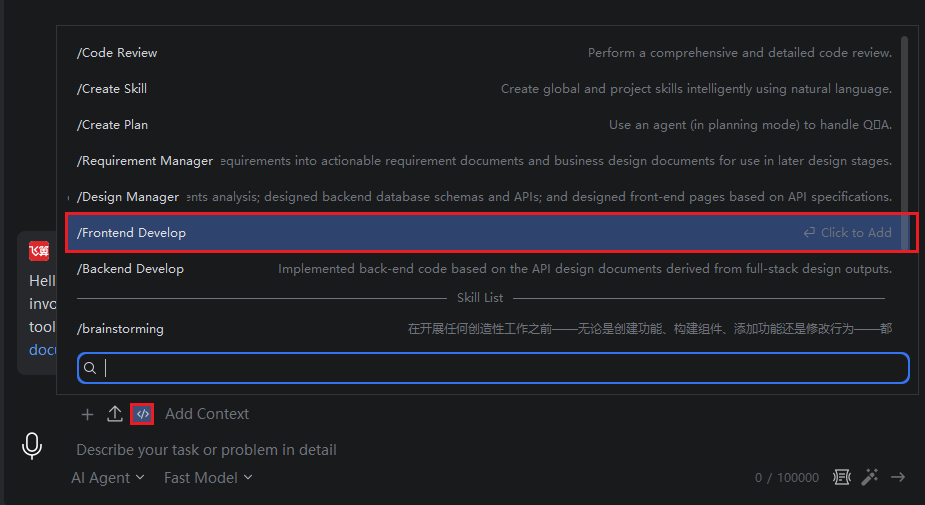
- Then enter the description: Help me complete the frontend page development for a library management system.
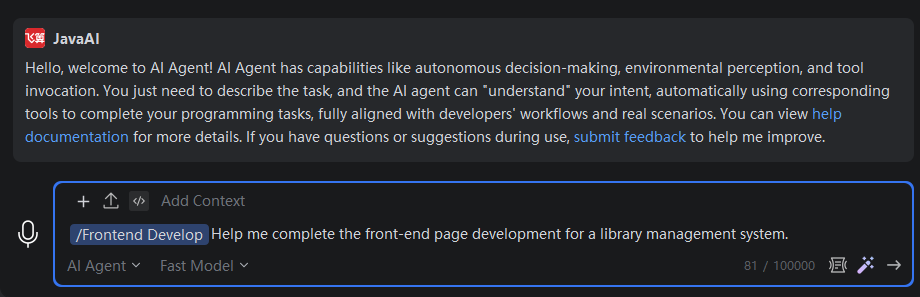
The model will read the front-end-related file contents generated by the upstream "/Frontend Develop". If any content is missing, you will need to supplement it as prompted. The current prompt indicates that you must return to the upstream phase to complete the missing files before front-end development can proceed.
Select the "/Frontend Develop" instruction and ask the model to supplement the missing content in the description. Since the current project is a pure backend project without an existing front-end engineering setup, the front-end-related documents must be completed before development can begin.
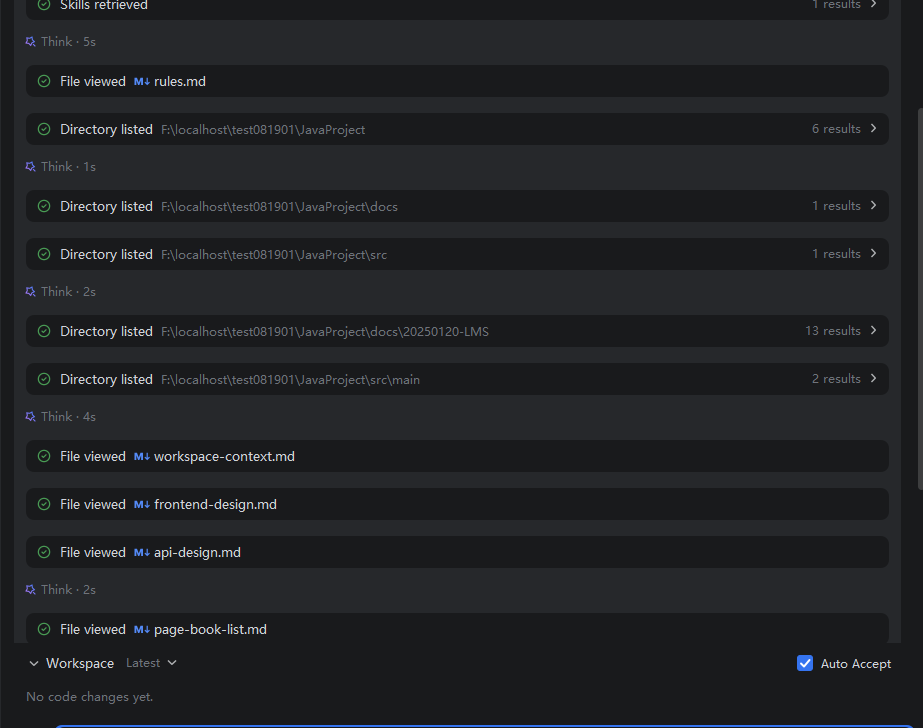
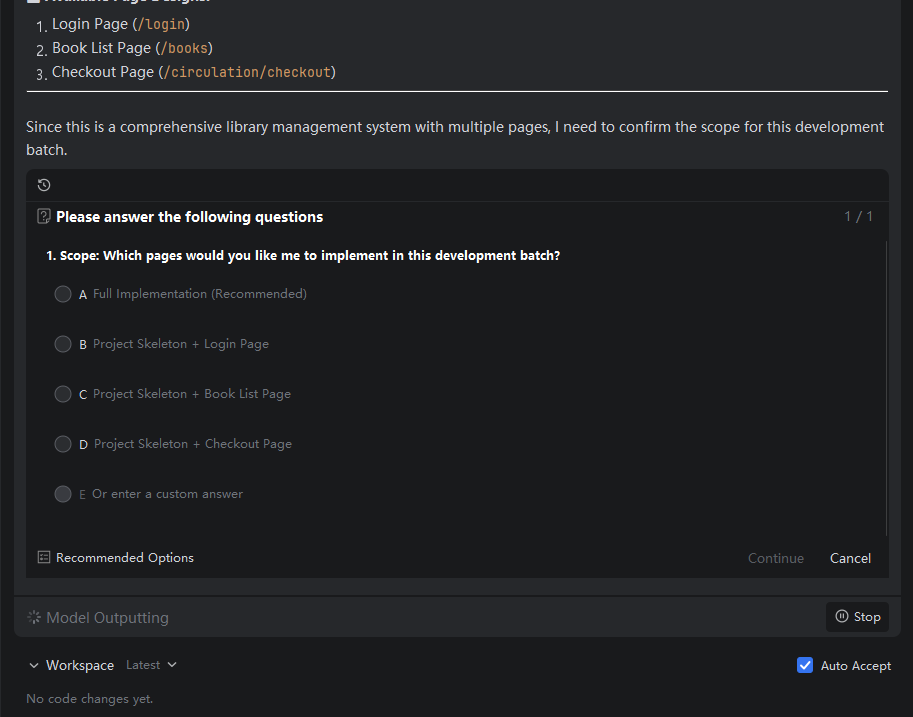
- After all content is supplemented, The model will then begin development based on the documents.
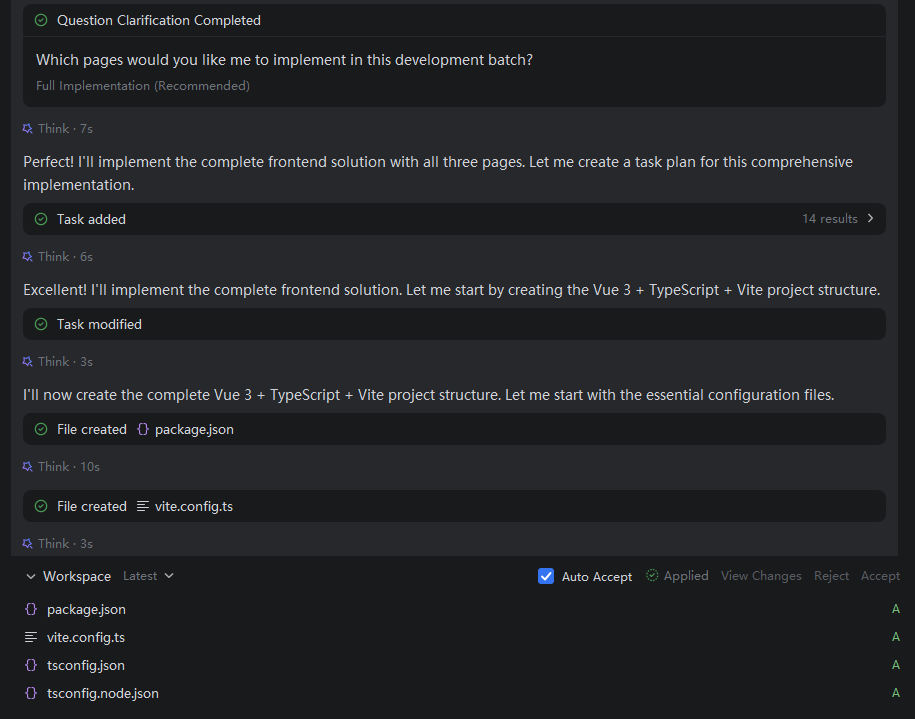
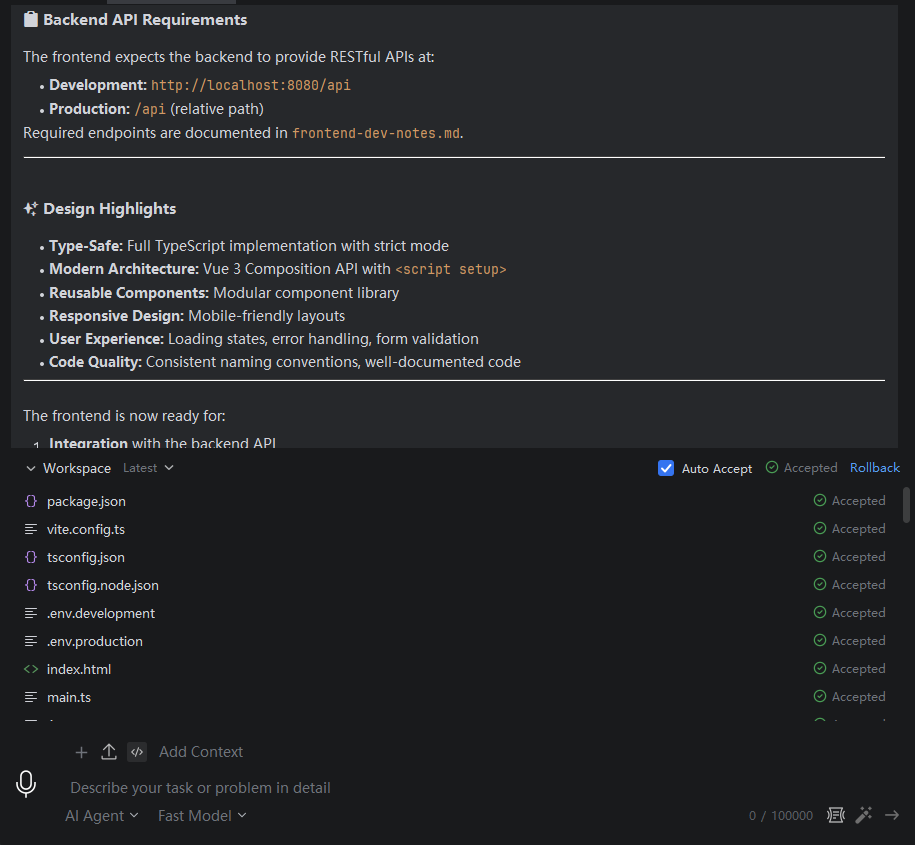
- Once all content is developed, you can view the front-end code based on the front-end project path.
- Open the command terminal in IntelliJ IDEA, navigate to the front-end directory:
cd F:\localhost\test081901\JavaProject-frontend, and then enter the installation command:npm install.

- Finally, enter the startup command:
npm run dev.
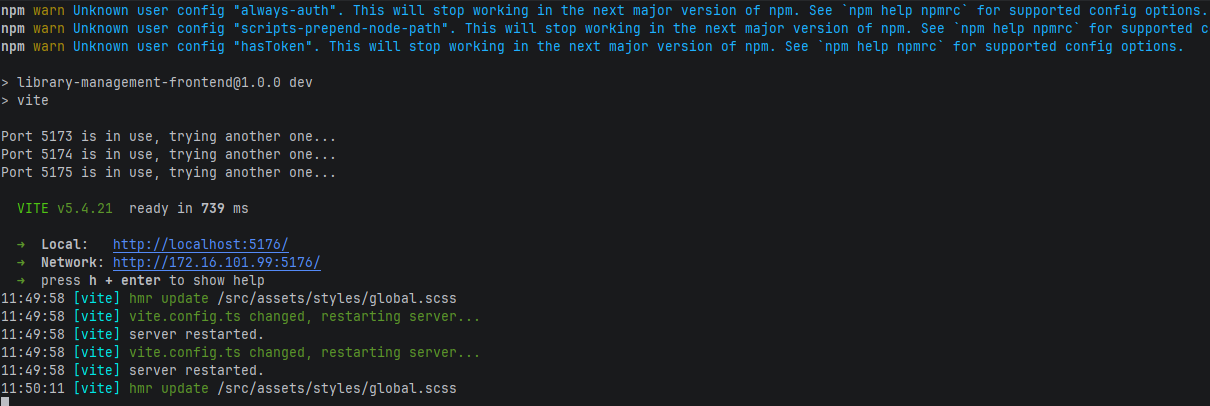
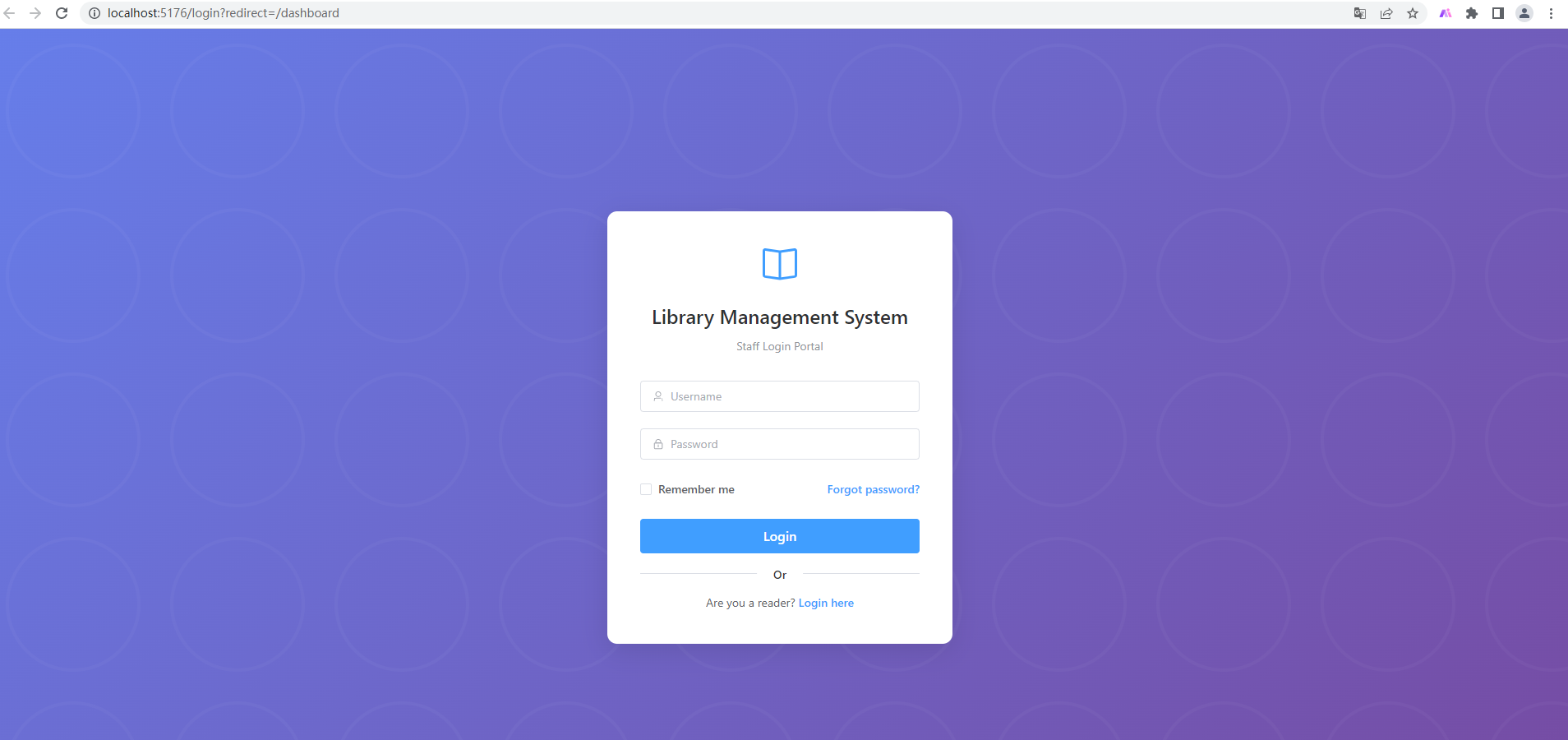
- The browser will automatically access the front-end path and display the front-end pages. Once the backend service is started, joint debugging can be performed.