Cancel Source Generation
Introduction
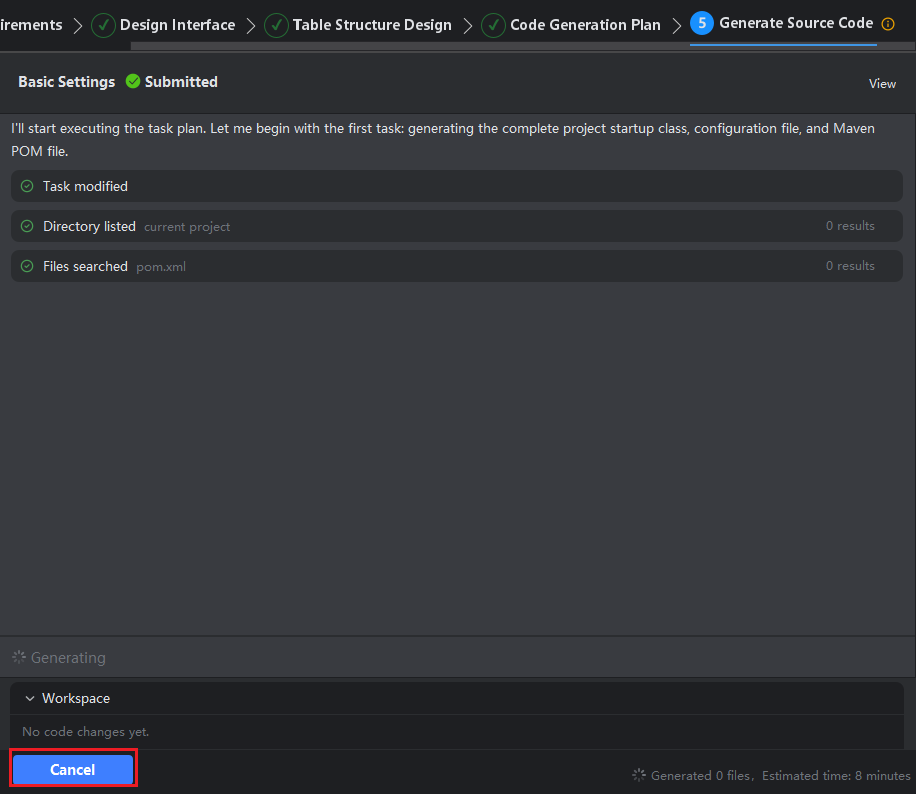
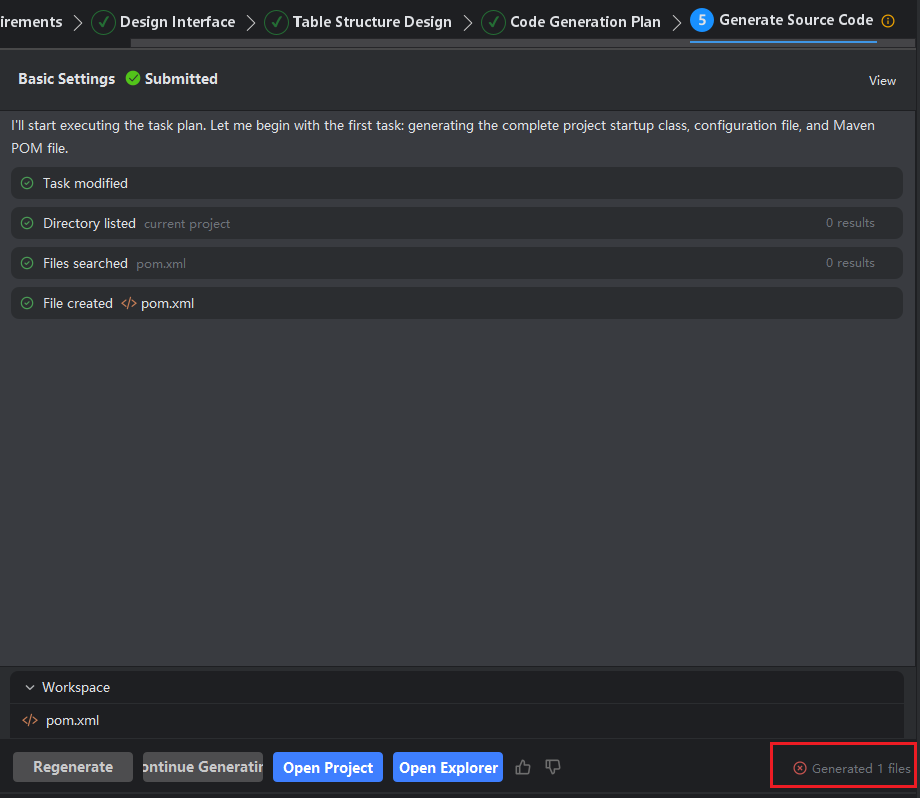
During the generation of source code project files, you may click Cancel at any time to terminate the generation of subsequent files. Please note that doing so may result in an incomplete project.
Cancel Source Generation
- During Step 5: Generate Source Code, click the Cancel button to abort the task.
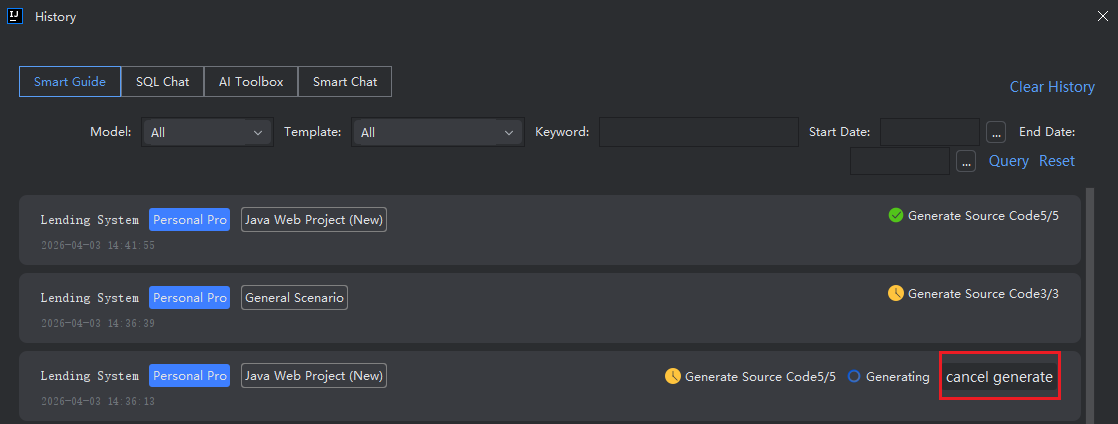
Cancel Source Code in History
- After opening the history, select the task that is being generated and click "Cancel Source Code".