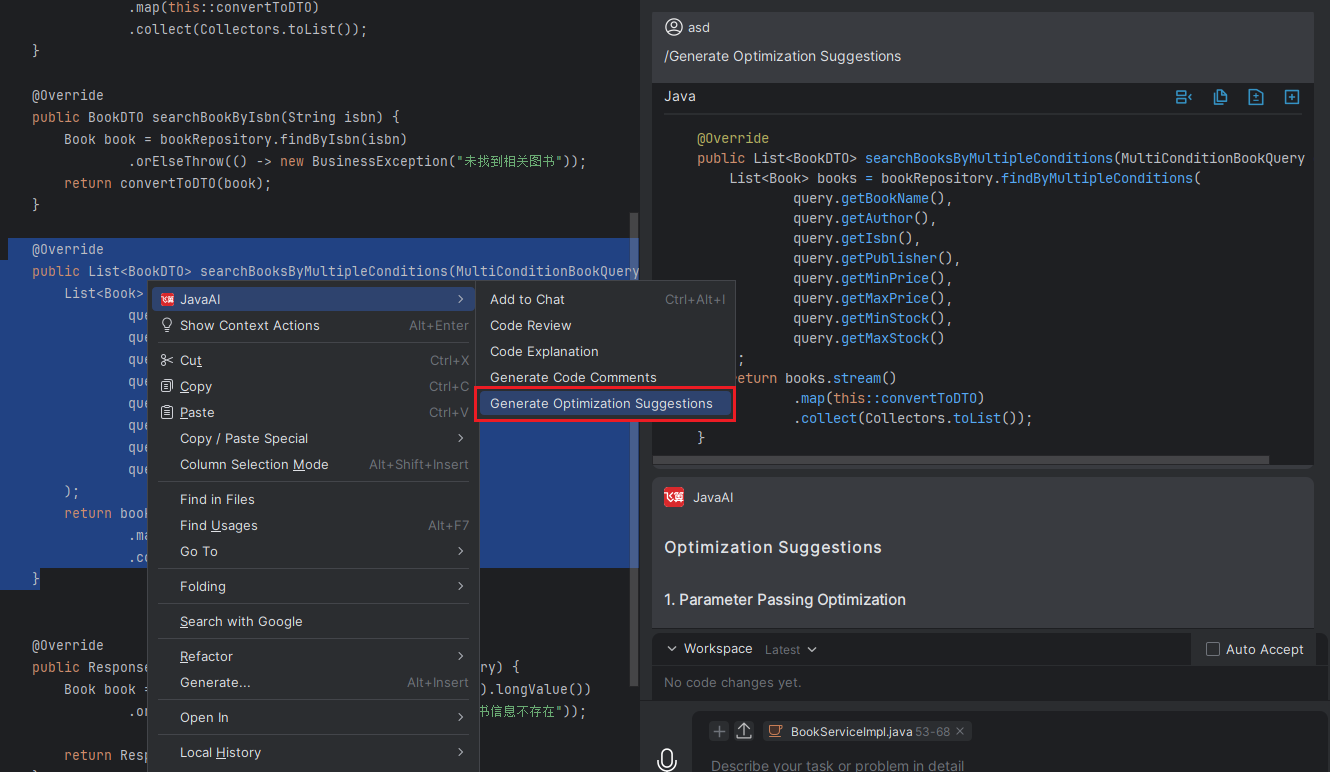
Optimization Suggestions
Introduction
Using the "Generate Code Optimization Suggestions" feature, you can quickly obtain optimization suggestions for selected code blocks. Simply select the target code, and the system will automatically analyze and provide specific improvement suggestions to enhance performance and readability.
Generate Optimization Suggestions
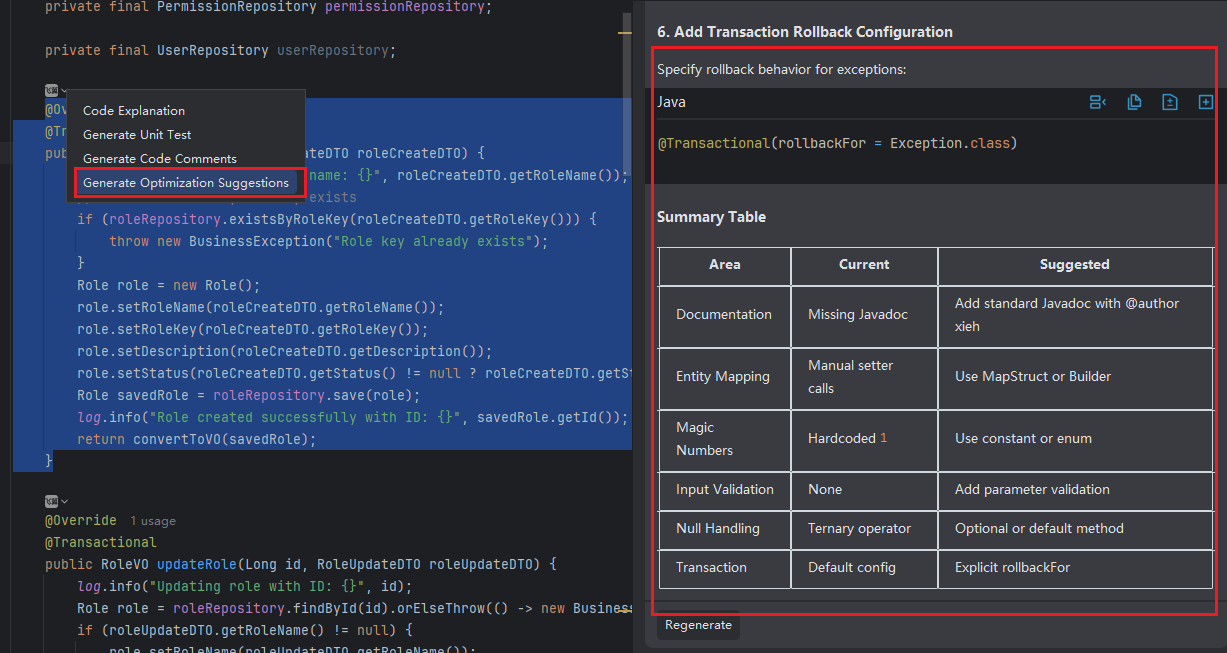
Method 1: In the code editor, click the icon and select "Generate Optimization Suggestions". The optimized results will be displayed in the Java chat panel on the right, and you can click "Insert" or "Copy" to add them to the code.
Method 2: Select the corresponding code snippet, right-click, and choose "JavaAI > Generate Optimization Suggestions". The model on the right will then provide the response.